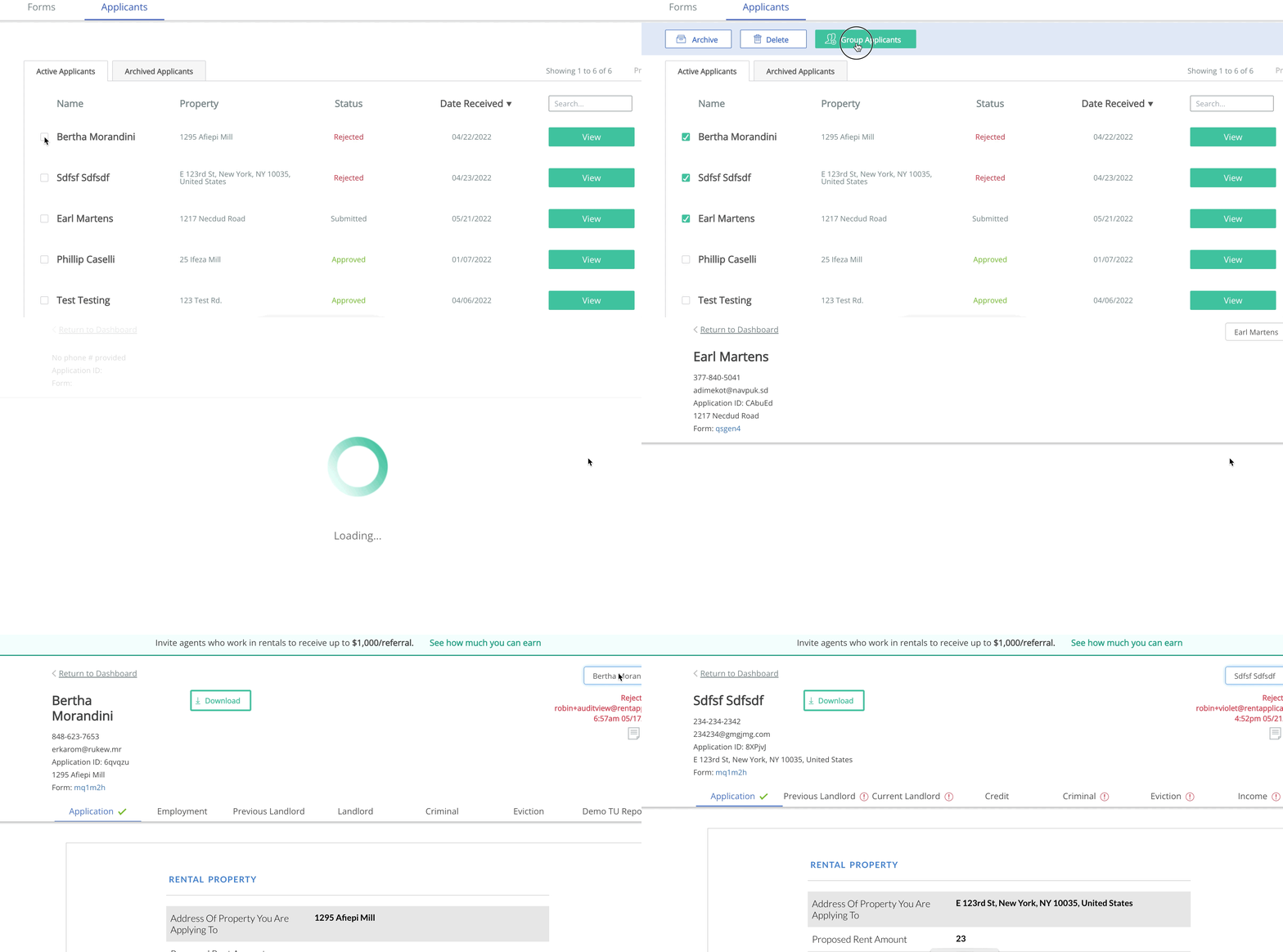

Rent Application allows you to group together submitted applications in your dashboard for ease of processing.
To do so, select 2 or more applicants you'd like to group together by checking the boxes on the left-hand side of the Applicant Forms table. A list of actions will appear on the top of the Forms table, including one that says "Link Applicants"
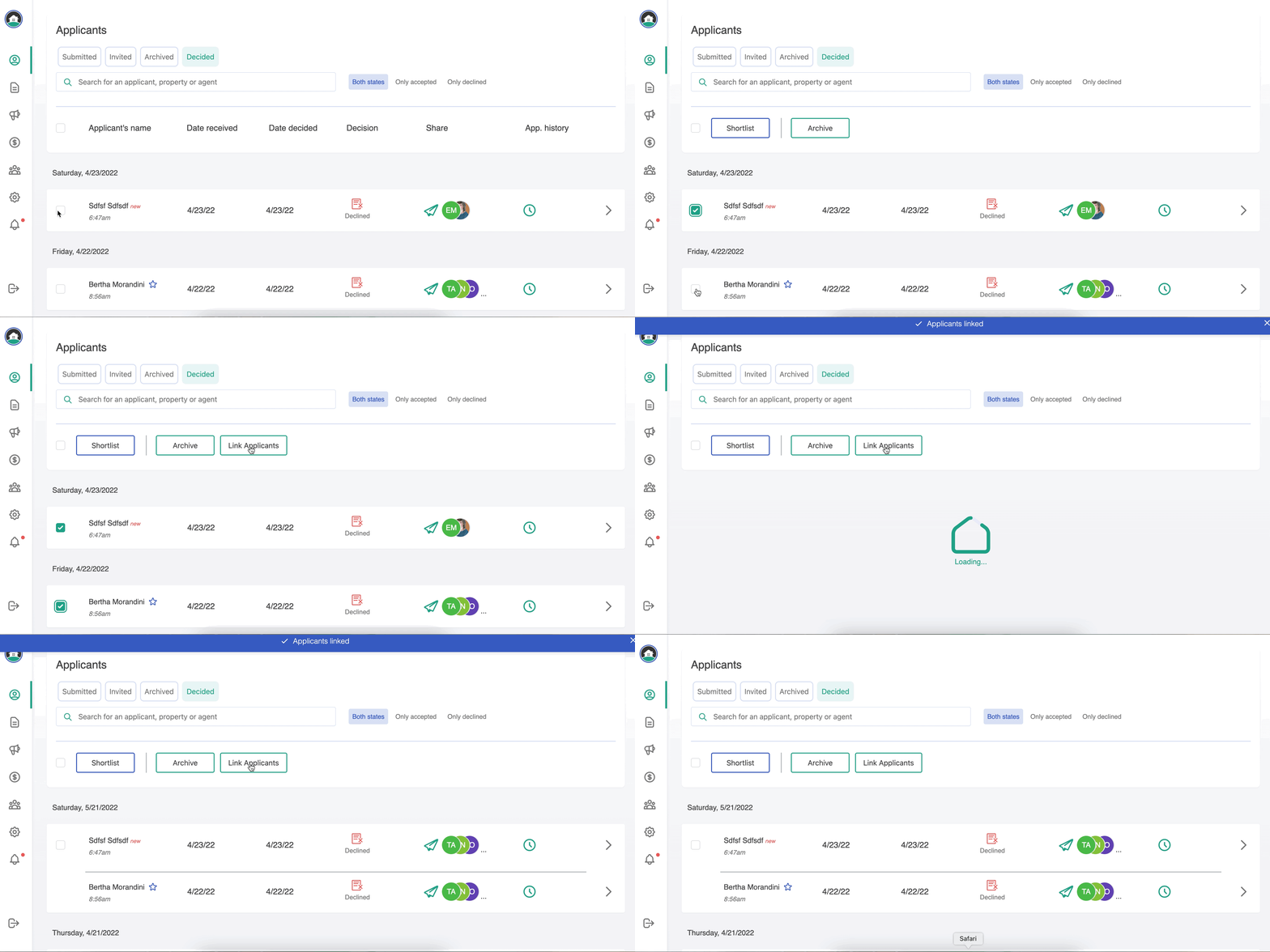
When you click Group Applications, they will become one line in your dashboard, with one View button:
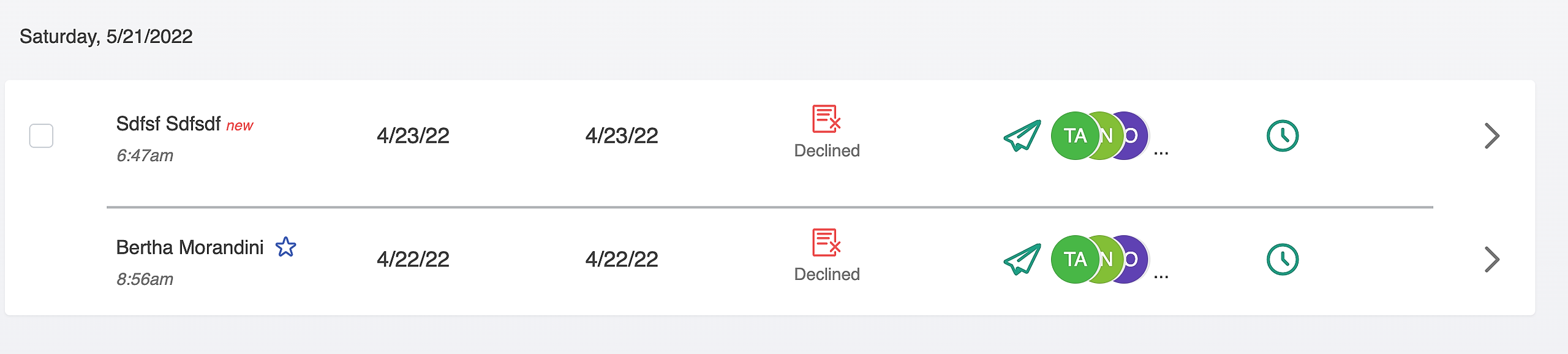
When you click to View an application, you can view Linked Applicants on the Summary tab. Click View application next to the linked applicant's name to view their app.
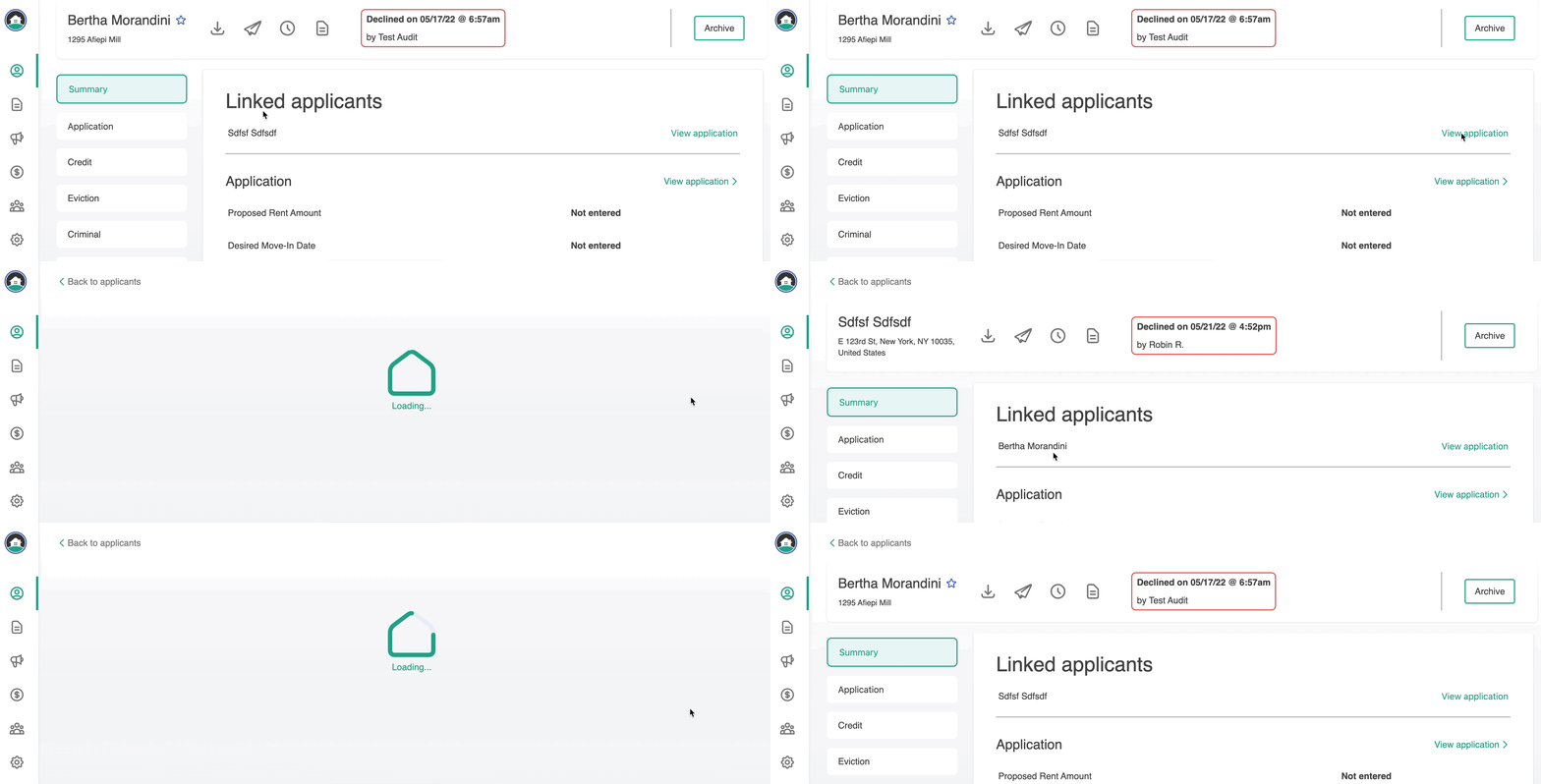
How to link applicants in Classic