
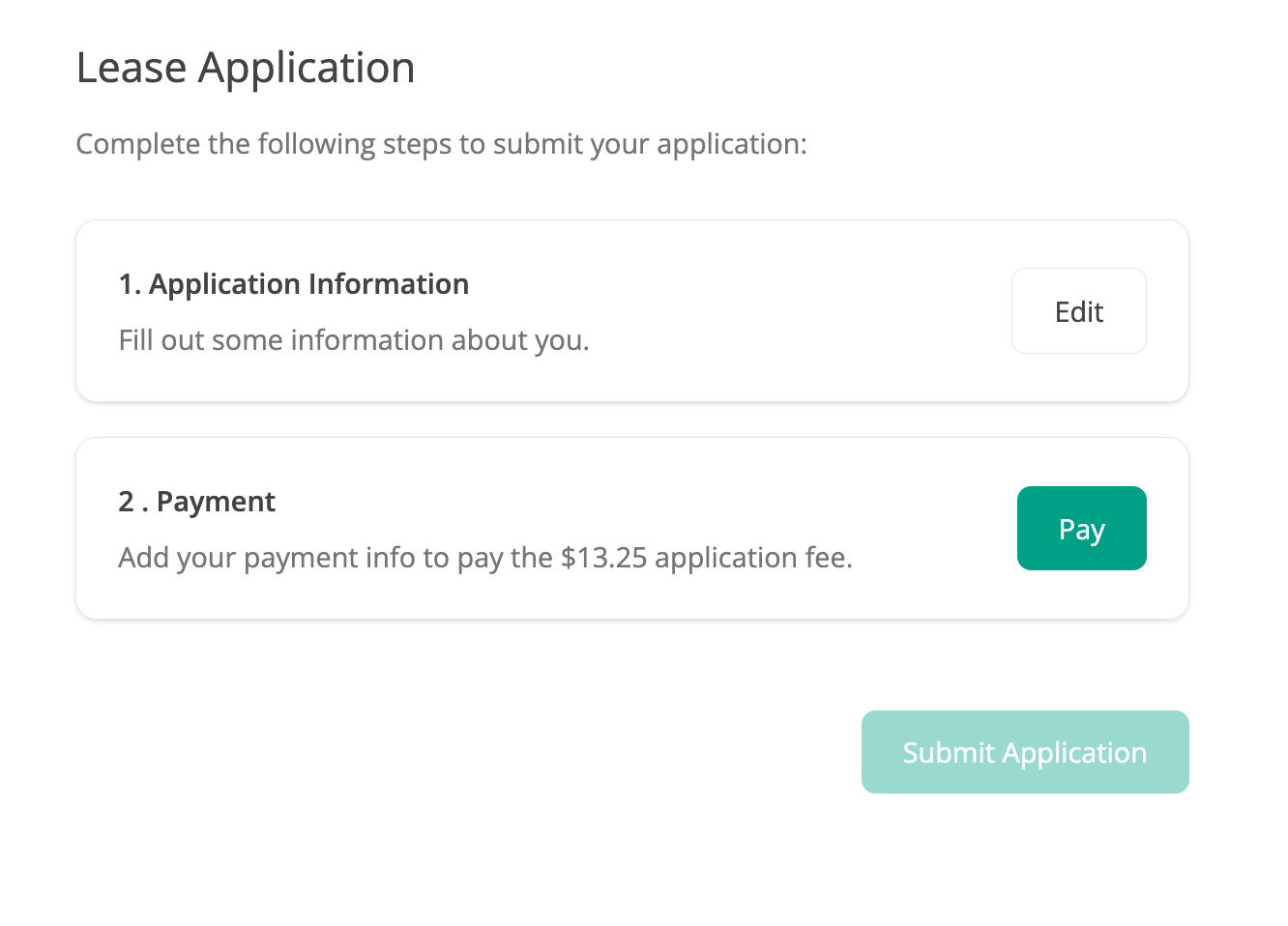
To access your partial application, you'll first need to ensure you are on the Steps page of your application. What steps you need to complete are determined by the requirements set by the property representative, so you may see additional steps such as Income Verification, or Experian Identification.
It looks like this:
If you have navigated away from the application, you can gain access by following the link we email to you. The title of the email is "[Action Required] Your Application is not submitted yet!" and is typically sent 15-30 minutes after an application has been started, but not completed.
The button looks like this:

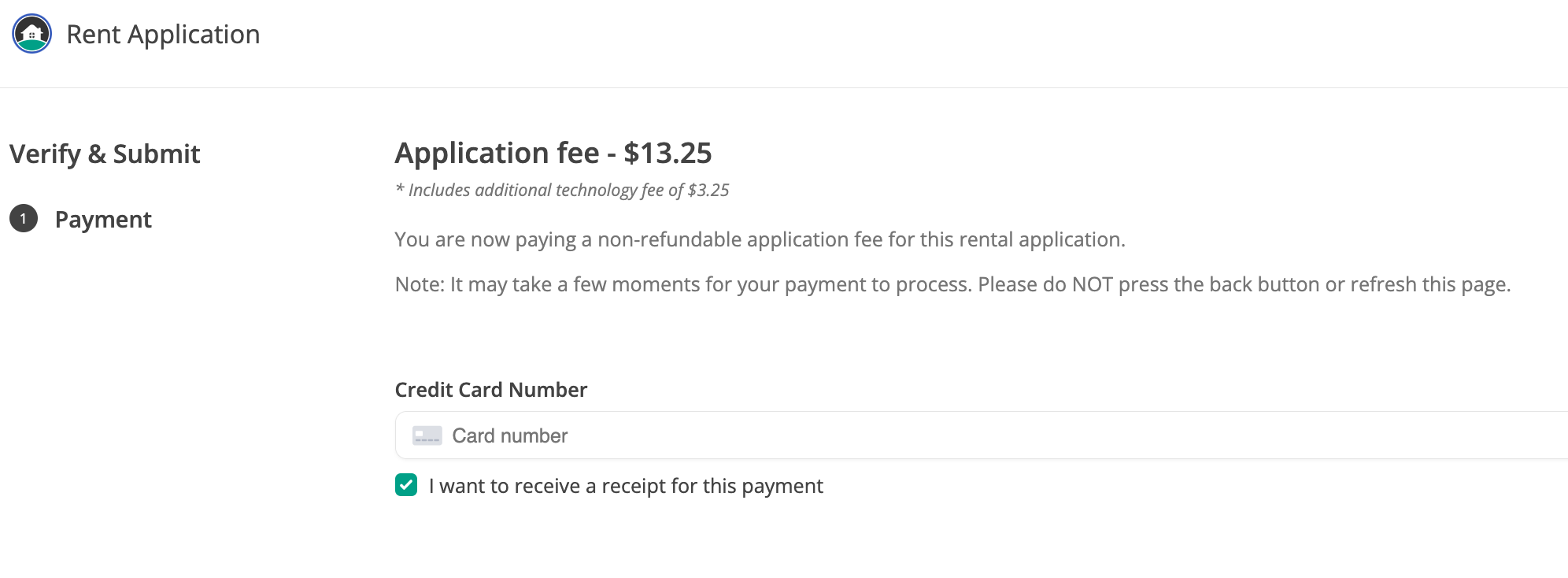
This will take you to the Steps page and you can click Pay to access the payment screen again. It will look like this, though the actual fees required may vary:
Tips for a successful payment
Be sure that you have a good internet connection.
Once you press the button to pay, wait a few moments for it to process.
If your card isn't working, take note of any error messages you see and contact support via the help button.
Troubleshooting
If you have trouble accessing your application via the link emailed to you, or have not received the email with the link at all, you can also take these steps to access your account:
Enter your email address on the Forgot Password page to generate a an email with a link for you to set a password: https://rentapplication.net/password_reset
Click here to login in: https://www.rentapplication.net/login/
Click the Edit button to the right of your application in the dashboard
Navigate to the Steps page of the application and complete your application steps, payment, and submit.
Once submitted successfully, you will see a notification page and also be emailed a confirmation!
Need more help? Contact our support team directly for more assistance.